Designating or removing Capital Committee members
The Capital Committee driver lists individuals who will vote on capital projects.
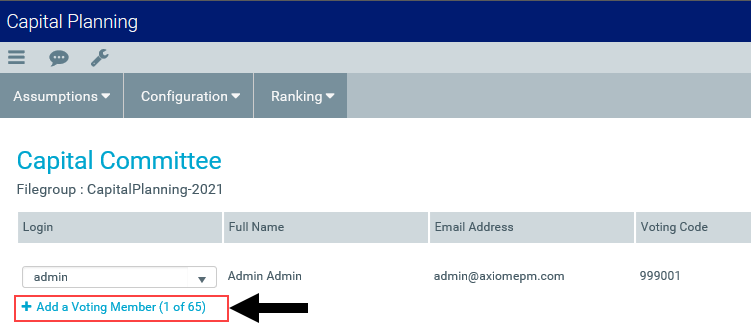
The Voting Code column displays a unique ID that is assigned to each committee member. The user ID must already be set up in Security Manager. The voting code writes back to the database individual scores but allows for the blinding of those scores.
To designate or remove Capital Committee members:
-
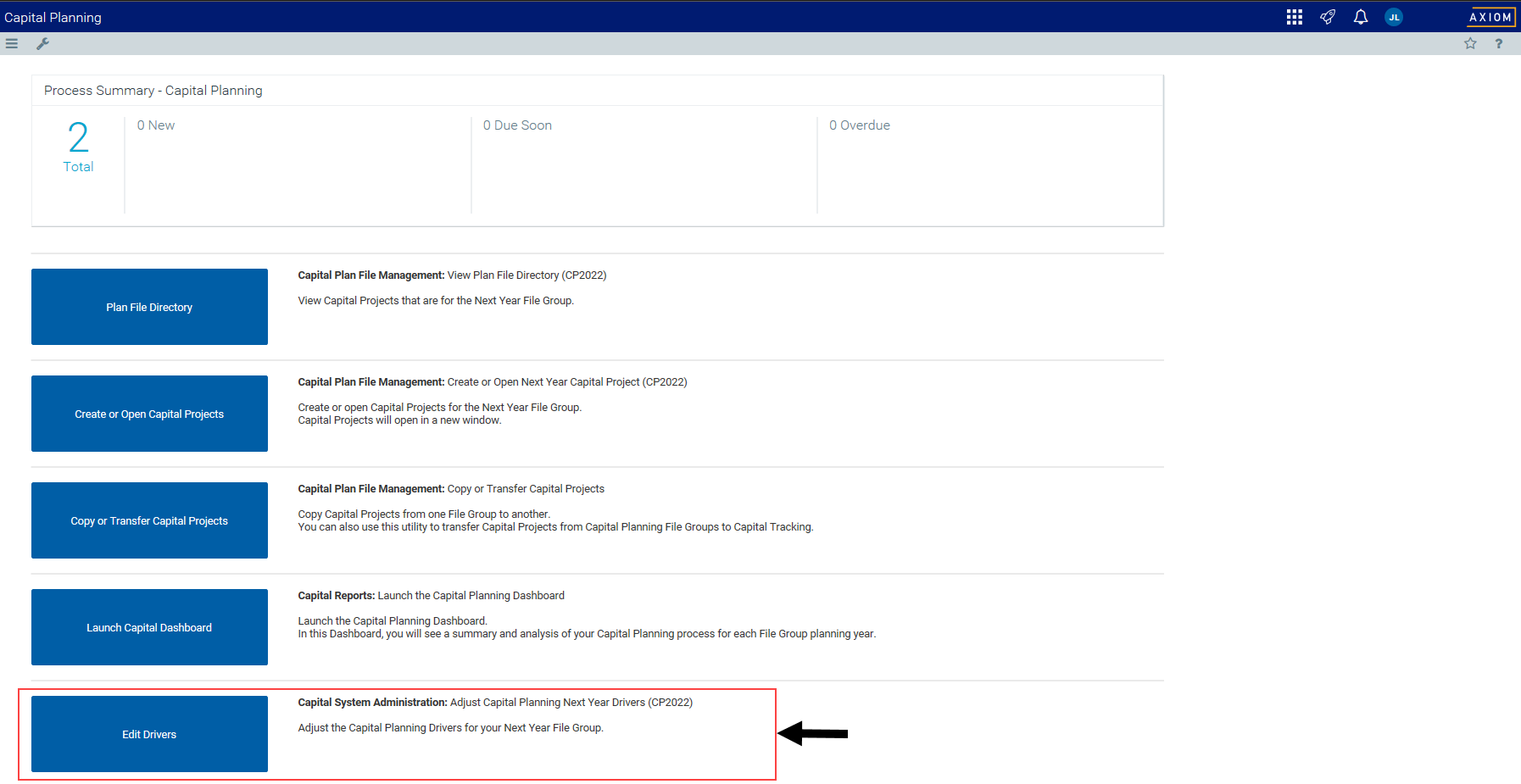
From the Axiom Capital Planning home page, click Edit Drivers.
NOTE: To access this location from the Cap Planning Admin task pane, in the Administration section, click Capital Planning Drivers, and double-click Capital Planning Drivers.

Click image to view full size
-
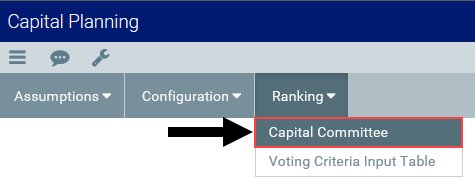
From the Ranking tab, click Ranking > Capital Committee.
Click image to view full size
-
To add a committee member, click + Add a Voting Member.
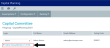
Click image to view full size
- To delete a committee member, click the check box next to the member login name. When you save, the member will be removed from the list.
- In the Login column, select the user's login ID.
- After making your changes, in the upper right corner of the page, click the disk
 icon.
icon. - At the confirmation prompt, click OK.